Rotating vs Sticky Sessions: Choosing the Right Mode

Every proxy project faces a deceptively simple decision: should you rotate to a new IP on every request, or hold a single IP for a period of time? This choice — rotating versus sticky sessions — has a profound effect on whether your scraper succeeds or gets blocked, yet many people set it arbitrarily and wonder why things break. The right answer depends entirely on whether your task is stateless or stateful.
This guide clarifies exactly when to use each session mode, how to implement them, and how to combine them within a single pipeline. It builds directly on the broader principles in our rotation strategies guide, focusing here on the specific rotating-versus-sticky decision.
- Rotating sessions maximise anonymity for stateless scraping
- Sticky sessions preserve state for logins and checkouts
- Sticky duration usually ranges from 1 to 30 minutes
- Most gateways let you switch modes via a session token
- Mixing both modes in one pipeline is common and powerful
When to Use Rotating Sessions
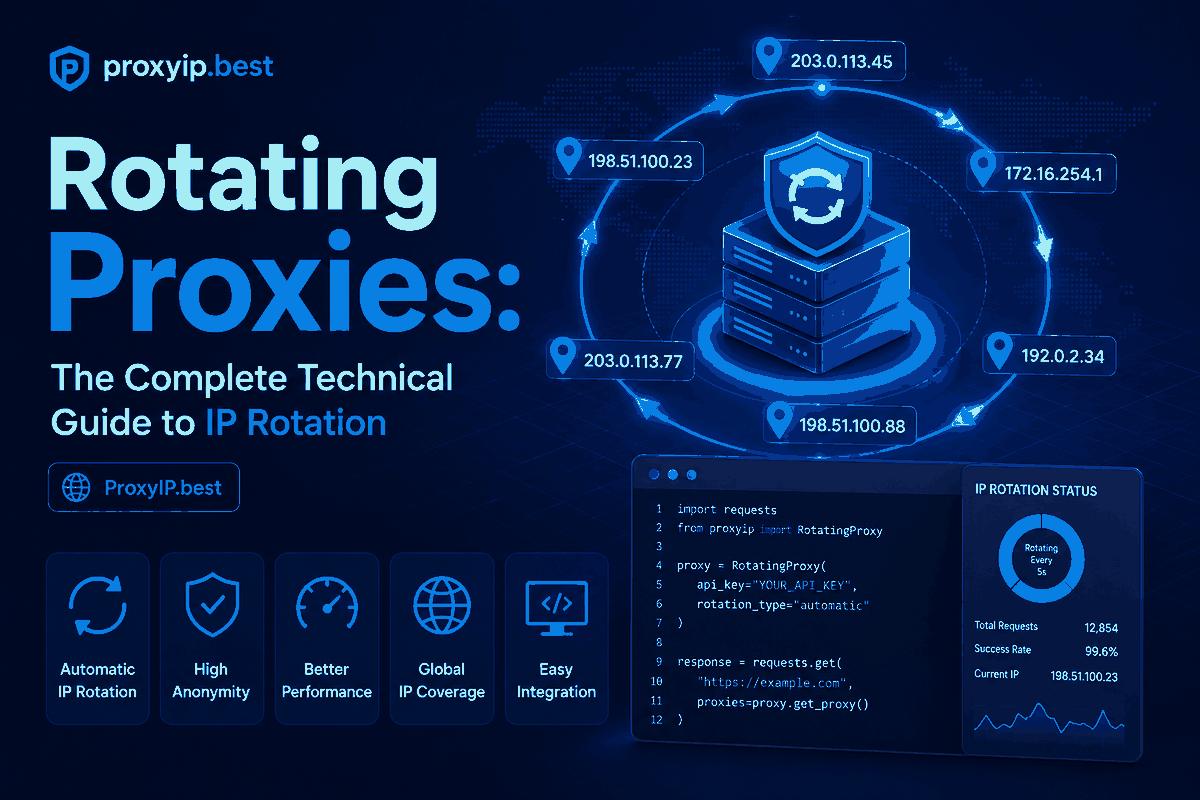
Rotating sessions assign a brand-new IP to every request, spreading your traffic so thinly across the pool that no single address ever accumulates enough activity to trip a rate limit or behavioural alarm. This is the correct default for stateless work — crawling large numbers of independent pages, collecting search engine results, monitoring prices across many products, or any task where each request stands entirely on its own and shares no session context with the others.
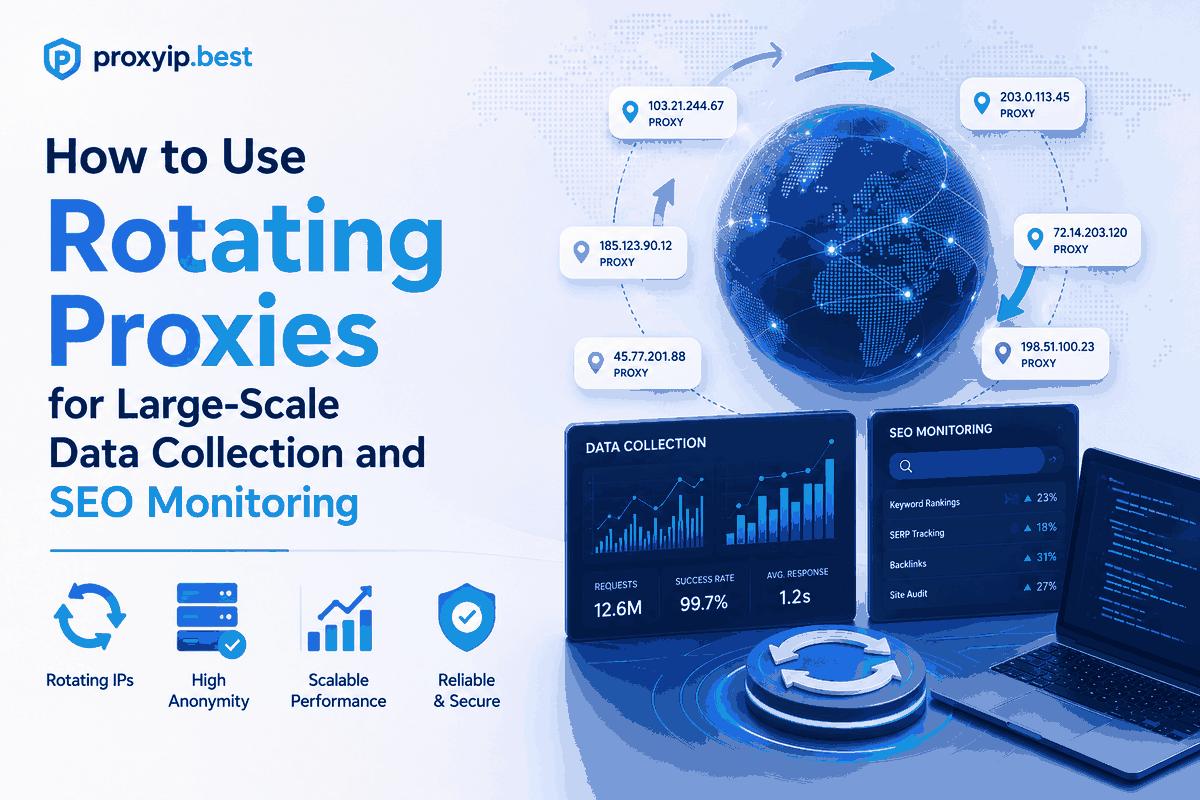
The benefit is maximum anonymity and resilience: even if one IP gets blocked, it affects only that single request, and the next request continues seamlessly from a fresh address. For high-volume, breadth-oriented scraping, rotating sessions are what let you achieve enormous aggregate throughput without any individual IP drawing attention. It is the mode that makes large-scale data collection possible.
When to Use Sticky Sessions
Sticky sessions hold the same IP for a configured window, and they are essential the moment your task involves state that must persist across multiple requests. Logging into an account, navigating a multi-page workflow, adding items to a cart, completing a checkout, or filling a multi-step form all require the server to see a consistent identity throughout. If your IP changed midway through a login flow, the session would appear to teleport between users and the site would reject or flag it.
Typical sticky durations range from one to thirty minutes, configurable to match your task length. Most gateway providers implement this through a session token appended to your username, such as user-session-abc123, which pins that IP for the duration. Smartproxy and other leading networks make this trivial to configure, so you can hold an IP exactly as long as a coherent user session would last.
Implementation and Tuning
Implementing the two modes well comes down to matching session behaviour to task structure and handling failures gracefully. Use a session token to pin an IP for stateful flows, and set the sticky duration to comfortably cover the task without holding the IP idle afterward. For stateless crawling, simply omit the token so every request rotates. On the application side, a persistent HTTP session object (like Python's requests.Session()) keeps cookies and connections consistent within a sticky window.
Build in fallback logic: if a sticky IP fails or gets blocked mid-task, you generally need to restart the affected flow on a fresh sticky IP rather than simply rotating, since the partial state on the old IP is lost. Monitor success rates separately for your rotating and sticky traffic, as they often behave differently, and validate IPs with our checker so a known-bad address never anchors a critical session.
Combining Both in One Pipeline
Real-world projects rarely use just one mode — the most effective pipelines blend them. A typical e-commerce monitoring system, for instance, might use rotating sessions to crawl thousands of product listing pages quickly, then switch to sticky sessions for the specific flows that require login or add-to-cart to capture personalised pricing or stock. The two modes serve different stages of the same project.
Architecting for both means designing your scraper so that each task declares whether it needs a stateless or stateful connection, and your proxy layer assigns the appropriate mode automatically. This flexibility is itself a key feature to look for when choosing a provider — the ability to switch between rotating and sticky on demand, with controllable sticky durations, separates capable networks from limited ones. Compare session-flexible providers on our comparison tool.
Best Networks for Flexible Sessions
These providers offer the most flexible session controls.
| Provider | Best For | Entry Price | Network Type |
|---|---|---|---|
| Oxylabs | Enterprise scraping | $8/GB | Residential / DC / Mobile |
| Bright Data | Hard anti-bot targets | $8.40/GB | Residential / ISP / Mobile |
| Smartproxy | Best value all-rounder | $4/GB | Residential / Datacenter |
| IPRoyal | Budget & sneakers | $1.75/GB | Residential / Mobile |
| SOAX | Precise geo-targeting | $12/GB | Residential / Mobile / ISP |
Recommended Providers
For fine-grained session control, these networks lead the market.
- Oxylabs — enterprise-grade network with 100M+ residential IPs and a near-perfect success rate.
- Bright Data — the most advanced unlocking technology for the toughest anti-bot targets.
- Smartproxy — the best balance of price, usability and performance for growing teams.
- IPRoyal — budget-friendly, non-expiring residential traffic.
- SOAX — precise city and carrier-level targeting on a clean pool.
Browse the full directory on our proxy providers page, or grab a discount from the latest coupons.
Frequently Asked Questions
How long can a sticky session last?
Typically 1 to 30 minutes depending on the provider, with some offering longer windows for ISP proxies. Set the duration to comfortably cover your task length.
Can I mix rotating and sticky in one project?
Yes, and it is common. Use rotating for stateless crawling and sticky for stateful flows like logins and checkouts within the same pipeline.
How do I create a sticky session?
Most gateway providers let you append a session token to your username, which pins the same IP for the configured duration. Omit the token to rotate per request.
What happens if a sticky IP fails mid-task?
You generally need to restart the affected flow on a fresh sticky IP, since the partial session state tied to the old IP is lost when it fails.
Further Reading & Trusted Resources
To deepen your understanding of rotating vs sticky sessions, we recommend cross-referencing independent sources. The Wikipedia entry on proxy servers offers a solid technical foundation, while community-driven testing sites such as ProxyTrust and 5-Proxy publish hands-on benchmarks that complement our own findings. For protocol specifics, the SOCKS protocol reference and the web scraping overview are worth bookmarking.
You can validate any IPs you acquire using our own free proxy checker, then compare shortlisted vendors side by side with the PROXYIP comparison tool.
Final Thoughts
Match your session mode to your task: rotate for stateless crawling to maximise anonymity, stick for stateful flows to preserve session integrity, and blend both within one pipeline as your project demands. The flexibility to switch on demand with controllable durations is a key provider feature. Compare session-flexible options on our comparison tool.
Written by PROXYIP
Our editorial team consists of network engineers and data scraping experts dedicated to bringing transparency to the proxy market. We specialize in distributed infrastructure and high-scale data acquisition.