What Is a Forward Proxy?

Executive Summary
A forward proxy is a proxy server positioned on the client side of the network that acts as an intermediary for outbound requests: clients send their requests to the forward proxy, which then forwards them to the destination servers on the internet. The destination servers see the proxy's IP address, not the client's — achieving IP masking and anonymization. Forward proxies are the foundational architecture behind virtually every commercial proxy service: residential proxy networks, datacenter proxy pools, SOCKS5 proxies, and rotating proxy pools are all forward proxies. This 3,000-word guide covers the architecture in depth, the five core functions of forward proxies, corporate deployment scenarios, and how forward proxies differ from reverse proxies.
What Is a Forward Proxy?
A forward proxy is a server that sits between a client (or group of clients) and the internet, handling outbound requests on behalf of those clients. When configured to use a forward proxy, a client application sends its network requests to the proxy server instead of directly to the destination. The proxy receives the request, processes it (applying any filtering, authentication, caching, or header modification), and then forwards it to the target server using its own network identity.
The defining architectural characteristic is that the forward proxy serves the client's interests — it acts on behalf of clients against the external internet. This is in contrast to a reverse proxy, which acts on behalf of servers against incoming client requests.
The term "forward proxy" is somewhat redundant in common usage — when people simply say "proxy" without qualification, they typically mean a forward proxy. The word "forward" distinguishes the architecture from reverse proxies, which serve the opposite function.
Figure 1 — Forward proxy vs reverse proxy: architectural position, directionality, and use cases
The Five Core Functions of a Forward Proxy
Forward proxies serve multiple functions simultaneously. Understanding each function helps in selecting the right proxy type and configuration for your specific infrastructure needs:
1. IP Masking and Anonymization: The most prominent function. When a client's request passes through a forward proxy, the destination server receives the proxy's IP address in the REMOTE_ADDR field — not the client's real IP. This provides client anonymization, IP rotation (when combined with a rotating proxy pool), and geo-location spoofing. The anonymization level depends on proxy type: transparent proxies still forward the real IP; anonymous proxies hide it with some disclosure; elite proxies hide it completely.
2. Content Filtering and Access Control: Forward proxies can inspect outbound requests and block or allow them based on URL patterns, domain categories, content type, or user identity. Corporate forward proxies (Squid, Fortigate, Zscaler) use this to enforce acceptable use policies and block malware distribution domains. They are also used in parental control and educational filtering systems.
3. Traffic Caching: HTTP responses from the internet can be cached at the forward proxy for a configurable time period. When multiple clients request the same resource (e.g., a popular software update or popular news page), the proxy serves subsequent requests from cache without making additional upstream requests. This reduces bandwidth consumption, lowers latency for cached content, and reduces load on origin servers. Squid's caching engine is the most widely deployed forward proxy caching implementation.
4. Authentication and Access Control: Forward proxies can require clients to authenticate before accessing the internet — typically via Proxy-Authenticate / Proxy-Authorization HTTP headers using Basic, Digest, or NTLM authentication schemes. In corporate environments, this is integrated with Active Directory (NTLM/Kerberos) to enforce per-user internet access policies. See our proxy authentication methods guide for technical details.
5. Traffic Logging and Monitoring: Forward proxies log all outbound requests: timestamp, source IP, destination URL, HTTP method, response code, and bytes transferred. This provides complete visibility into employee or client internet usage patterns, supports security investigations, and enables compliance reporting. Combined with SSL bumping for HTTPS, a forward proxy can log the full content of all internet communications.
Figure 2 — Forward proxy request processing pipeline and function categories
Forward Proxy Deployment in Corporate Networks
Enterprise forward proxy deployments are complex, multi-tier systems that serve thousands of users simultaneously. A typical enterprise architecture includes:
Single Forward Proxy: The simplest deployment — all LAN clients are configured (via WPAD/PAC files, Group Policy, or DHCP option 252) to route HTTP and HTTPS traffic through a single forward proxy server. Squid is the most widely deployed open-source forward proxy for this configuration. Commercial options include Fortigate Web Filter, Zscaler, and Cisco Umbrella.
Proxy Array / Load-Balanced Cluster: For high-availability and throughput requirements, multiple proxy servers are deployed behind a load balancer. The WPAD PAC file (Proxy Auto-Configuration) distributes clients across the proxy array, and ICP (Internet Cache Protocol) coordinates cache sharing between proxies. Squid's cache_peer directive enables hierarchical cache clusters.
Cloud-Proxied Architecture (Zscaler, Cisco Umbrella): Modern enterprise networks increasingly use cloud-based forward proxy services. Traffic from remote workers is tunneled to the cloud proxy via GRE or IPsec, providing consistent policy enforcement regardless of user location. This eliminates the need for on-premise proxy hardware and provides automatic geographic distribution.
For organizations managing proxy infrastructure for web scraping rather than corporate filtering, the architecture differs: instead of a single proxy enforcing policies, a rotating proxy pool dynamically assigns different IP addresses to each request, distributing the load across thousands of residential or datacenter IPs to avoid rate limiting and IP bans.
Forward Proxy in Web Scraping Architecture
In professional web scraping infrastructure, the forward proxy layer is a critical component. Rather than scraping clients connecting directly to target servers, they route through a forward proxy network that provides:
IP Diversity: Each request (or session) uses a different IP address from the proxy pool, preventing rate limiting based on IP address. Without IP rotation, a scraper making thousands of requests from a single IP will be rate-limited or banned within minutes on most commercial websites.
Geographic Distribution: Forward proxy pools with global IP coverage allow scrapers to access geo-restricted content (e.g., country-specific pricing, search results, or streaming availability) by selecting proxy IPs in the target region.
Session Management: Advanced proxy pools support sticky sessions — directing all requests in a single user-simulation session through the same IP for a configurable duration (e.g., 10–30 minutes), which is essential for maintaining shopping cart state, authentication cookies, and other session-bound data during scraping. See our guide on rotating vs sticky sessions.
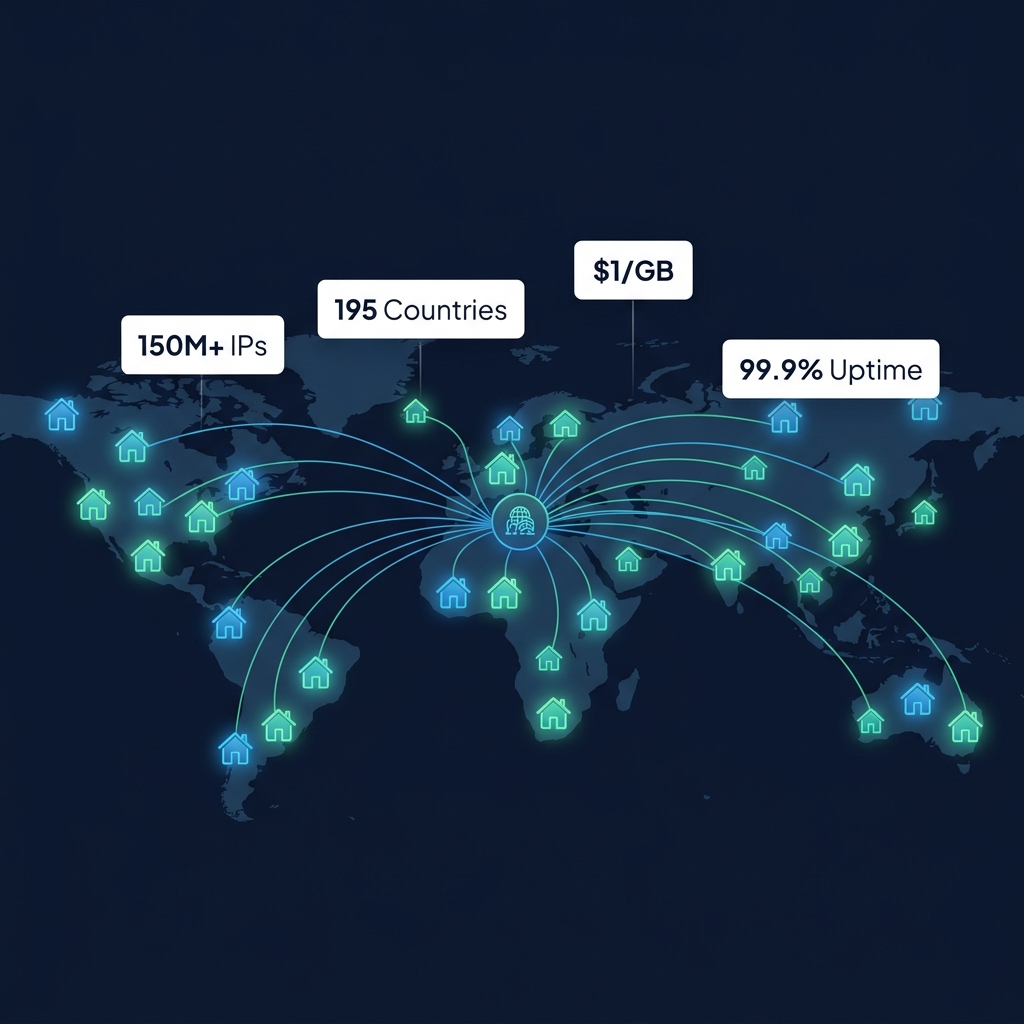
The commercial forward proxy providers — Bright Data, Oxylabs, Decodo, SOAX — operate managed proxy networks that handle all of these concerns, providing a simple HTTP/HTTPS/SOCKS5 endpoint that clients connect to. The proxy provider's infrastructure handles IP rotation, geo-selection, session management, and anti-ban measures transparently.
Frequently Asked Questions About Forward Proxies
Is a VPN a forward proxy?
Architecturally, a VPN is similar to a forward proxy — both route client traffic through an intermediate server. However, VPNs operate at Layer 3 (network level) and encrypt all system traffic, not just specific application traffic. VPNs are also configured at the OS level, not the application level. Forward proxies operate at Layer 7 (application level) and require per-application configuration. See our proxy vs VPN guide for a complete comparison.
What is a WPAD PAC file and how does it configure forward proxies?
Web Proxy Auto-Discovery (WPAD) uses a JavaScript file called a Proxy Auto-Configuration (PAC) file to automatically configure browser proxy settings. The PAC file defines a FindProxyForURL(url, host) function that returns either "DIRECT" (no proxy) or "PROXY host:port" for each URL pattern. Corporate networks publish PAC files via DHCP option 252 or DNS, allowing automatic proxy configuration without manual settings on each client device.
Internal Resources on Forward Proxy Architecture
- What Is a Reverse Proxy? — Server-Side Architecture Guide
- What Is a Rotating Proxy?
- What Is a Transparent Proxy?
- Rotating vs Sticky Sessions: Choosing the Right Mode
- Proxy Authentication Methods Explained
- What Is an HTTPS Proxy?
- What Is a SOCKS5 Proxy?
- Proxy vs VPN: Complete Guide
- Best Proxies for Web Scraping 2026
- Types of Proxy Servers Explained: Complete Technical Guide
Written by PROXYIP
Our editorial team consists of network engineers and data scraping experts dedicated to bringing transparency to the proxy market. We specialize in distributed infrastructure and high-scale data acquisition.